🔥 명령어 숨기기
98자
1분
명령줄 인터페이스 일부로 모든 명령어를 표시하고 싶지 않을 수도 있습니다. 명령어를 보이지 않게 만들려면(그러나 여전히 사용할 수 있음) CommandConfiguration 이니셜라이저에 shouldDisplay: false를 전달합니다.
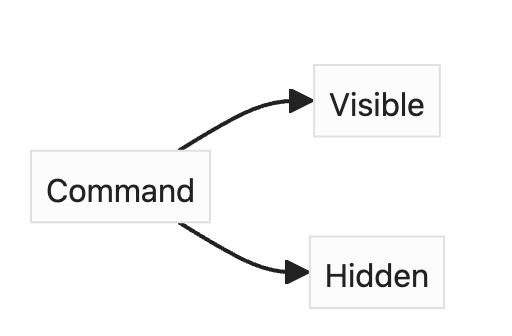
아래와 같이 Child 명령어에 shouldDisplay: false를 추가하여 간단하게 숨길 수 있습니다:
swift
struct Parent: ParsableCommand {
    static let configuration = CommandConfiguration(
        subcommands: [Child.self],
        helpNames: [.long, .customShort("?")])

    struct Child: ParsableCommand {
        static let configuration = CommandConfiguration(
            shouldDisplay: false
        )

        @Option(name: .shortAndLong, help: "The host the server will run on.")
        var host: String
    }
}
swift
struct Parent: ParsableCommand {
    static let configuration = CommandConfiguration(
        subcommands: [Child.self],
        helpNames: [.long, .customShort("?")])

    struct Child: ParsableCommand {
        static let configuration = CommandConfiguration(
            shouldDisplay: false
        )

        @Option(name: .shortAndLong, help: "The host the server will run on.")
        var host: String
    }
}
이제 Child 명령어는 Parent 명령어 도움말에는 표시되지 않지만, 여전히 parent child --host <host>와 같이 직접 실행할 수 있습니다.
YouTube 영상